
Are you also one of those who are facing trouble with their linksys router network while gaming or streaming? Does your device network also drop suddenly? If yes then it definitely will be very frustrating. You need to fix the issue by applying a few simple trouble shooting tips. But before applying the troubleshooting it is very important to understand the route cause. Here in the further section of this article you will be able to know the route cause and how you can cure it. So carefully check out the below given guide to understand the cause and fixing tips.
Causes Behind Router Keep Disconnecting
There are several factors that cause your router to lose connection during gaming or streaming kind of activities. Here are some of the common reasons specified
- Outdated router firmware
- Weak WiFi signal
- Network congestion
- Incorrect router settings
- Overheating
- Too many connected devices
- ISP-related interruptions
- Faulty modem or Ethernet cable
If you identify the cause of the issue then you can easily apply the right troubleshooting tips to resolve it. Further you will find the troubleshooting guide you can follow to resolve the problem.
How To Fix It?
Check out the solutions you can apply to fix Linksys Router Dropping Connection During Gaming or Streaming issue:
Restart The Device
First of all you have to restart your device to resolve temporary glitches. You have to turn off the power of your device and wait for about 30 to 40 seconds. Now you need to turn on the power supply again and then test whether the issue is resolved or not.
Update The Firmware
Sometimes outdated firmware may create trouble for you and you will face Linksys Router Dropping Connection During Gaming or Streaming. You need to update the firmware by accessing the admin panel of the device. After updating you have to check whether the issue is continuing or get resolved. If still the issue is there then you have to follow the next tip.
Improve Router Placement
Poor placement of the router can also create trouble for you. Might be the reason behind your unstable Wi-Fi is poor placement. This time you have to choose a better location which is somewhere in a Central place, away from microwaves, cordless phones, Bluetooth devices, and thick concrete walls.
Switch To 5 GHz WiFi Band
If your device supports dual band then you should switch to the other network whenever possible. This will increase your network speed, decrease the interference and latency.
Reduce Network Congestion
Simultaneously if you are streaming in multiple rooms, cloud backups, software downloads, and video calls can consume significant bandwidth. To improve the performance you have to pause large downloads, limit the number of connected devices, disconnect ideal Smart home devices and schedule automatic updates outside gaming hours.
Use Wired Connection
If you are facing trouble with the Wi-Fi network then you should try switching to a wired connection instead of wireless If you are using a PC or console. You have to connect it directly to the router via an ethernet cable to avoid issues and have better speed with stability.
Test With Your ISP
Sometimes the router isn’t the problem. The issue behind connection drop is from your ISP side. If speed fluctuates significantly then you should connect your device directly to the modem to verify whether the issue is with the router internet. If even after connecting with the modem directly you’re facing trouble then you should communicate with your internet service provider to investigate line issues or outrage.
Factory Reset
Last but not the least you can reset your device back to factory settings to resolve the problem. This will definitely work. You have to press the reset button on the device for 10 seconds and then release it. Wait for the device to reset and then configure it again.
Contact Us
Hope the above given information is valuable for you when you are able to resolve the Linksys Router Dropping Connection During Gaming or Streaming issue. In case you are not able to apply any fix to resolve the problem or desire to boost the performance then you should take help from technical experts. Call on the given number or text under the live chat section.
Related Posts
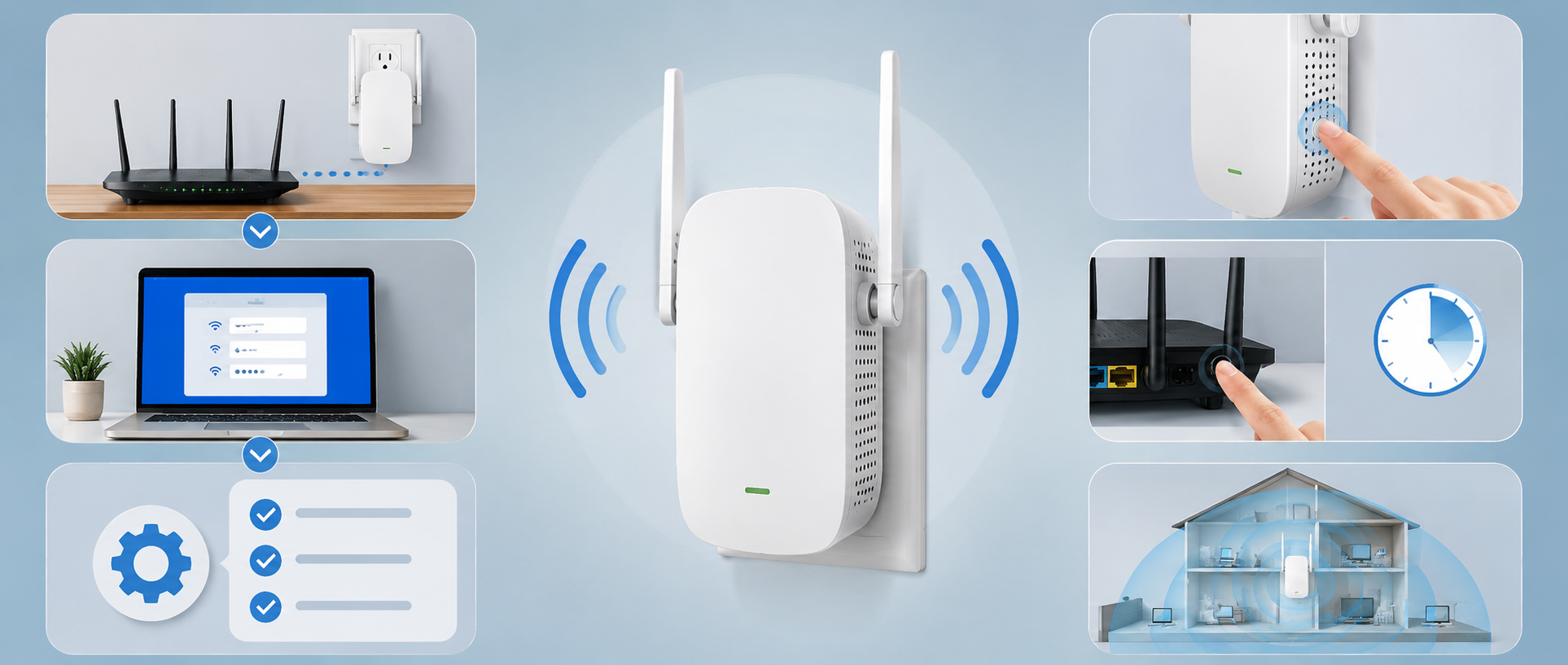
Linksys RE6300 Setup: Steps to Configure Network
Is your router network troubling you? You don’t want to…
Linksys WiFi Keeps Dropping: Causes & Proven Fixes
Is your Linksys WiFi connection constantly dropping, interrupting your work,…
How to Fix Slow Internet Speed on Linksys WiFi
A slow internet connection can interrupt streaming, gaming, video meetings,…